Which ideas share a theme?
Group the photos and notes that share a theme.
 Albumtale
Add photos and text. Describe their groups and positions. A frontier GPT model turns your request into a layout you can edit.
Free account. Edit on a desktop or landscape tablet.
Imagine your space
Group the photos and notes that share a theme.
Make this photo the centre. Give the notes more room.
Add a new chapter. Keep the choices I have made.
Loading the example…
Fictional photos and words. A recorded GPT layout example.
Fictional example in English
Photos and text on an infinite canvas. Natural language shapes their groups and positions.
Shape a home mood board on an infinite canvas. Use natural language to give the room photo the focus or form a path through materials, colors and shapes.
See words change the layout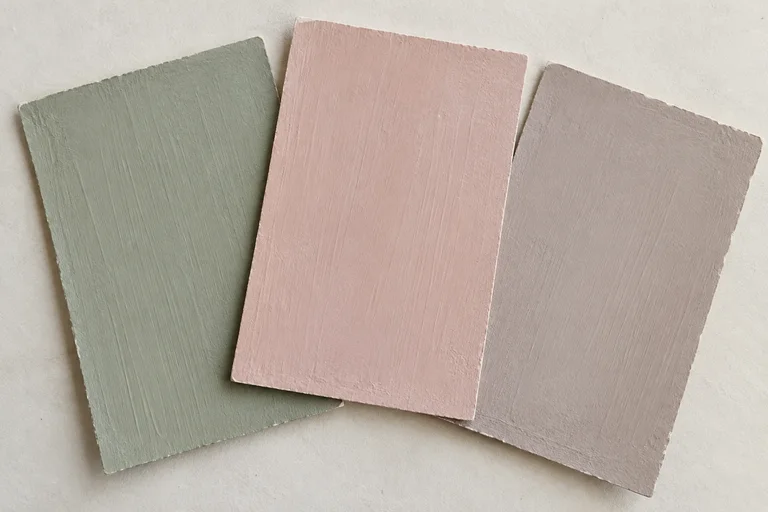
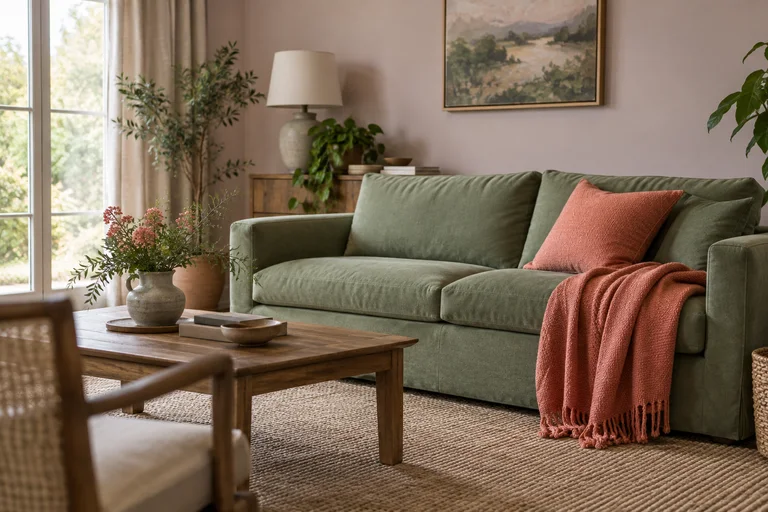
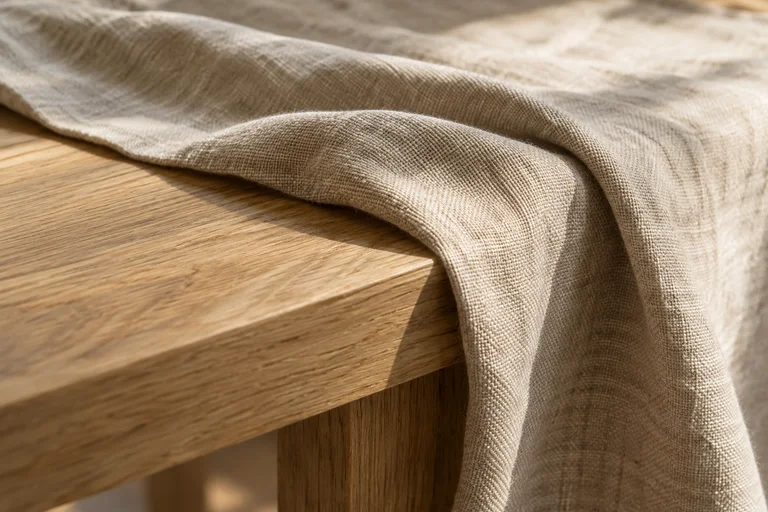
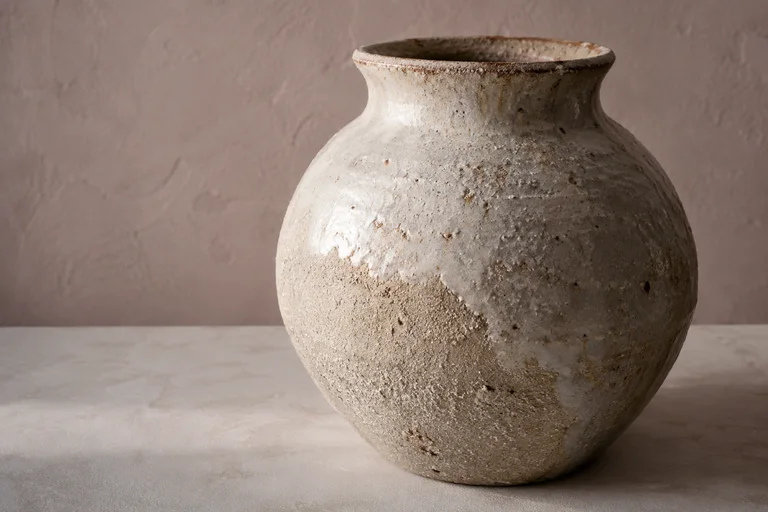
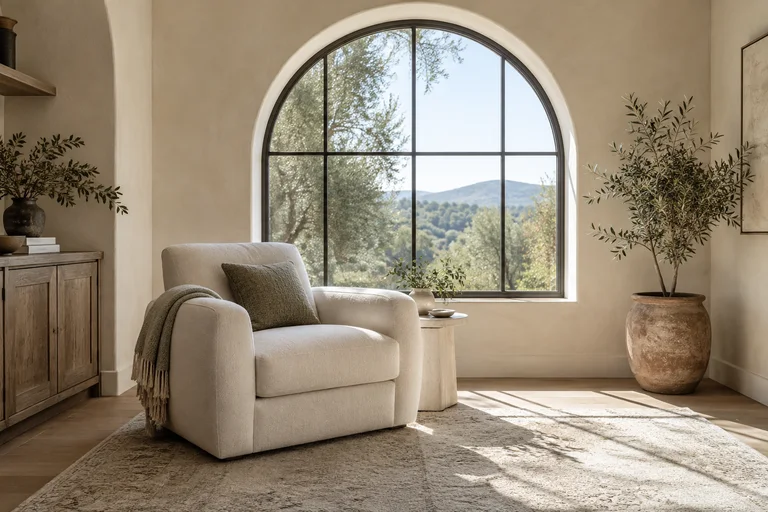
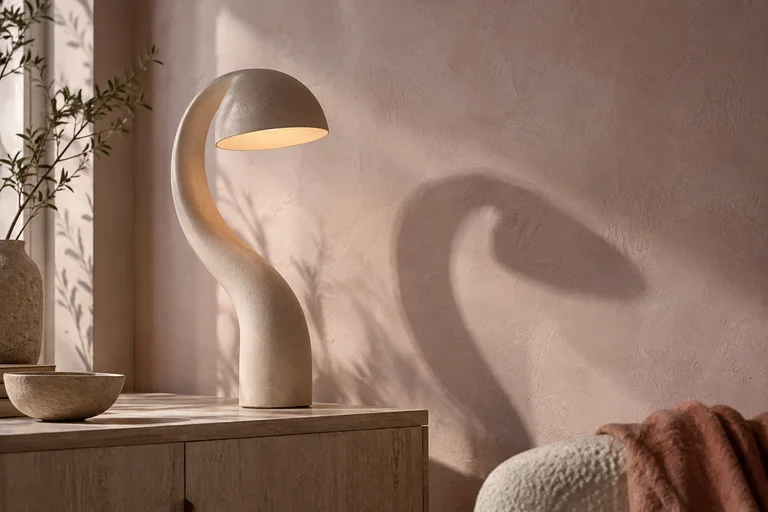
Make the room photo the focus, with materials on its lower left and shapes on its upper right.
Use natural language to shape a day of photos and notes on an infinite canvas. Give the sunset the focus or form a winding route through the day.
See words change the layout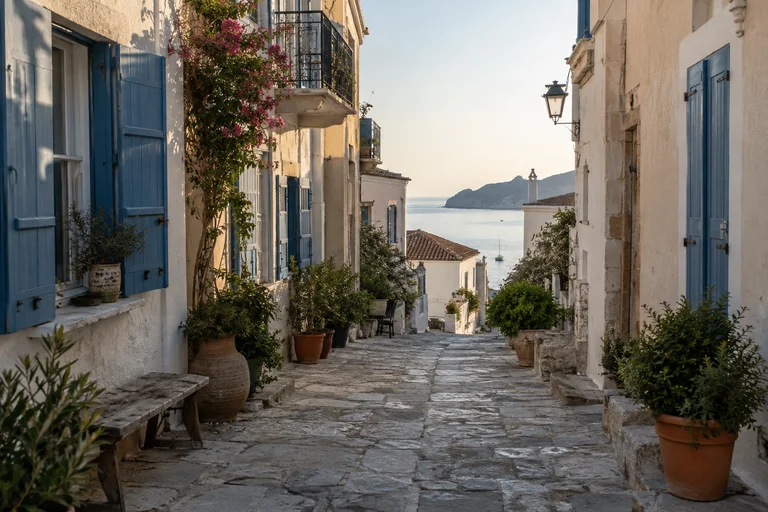
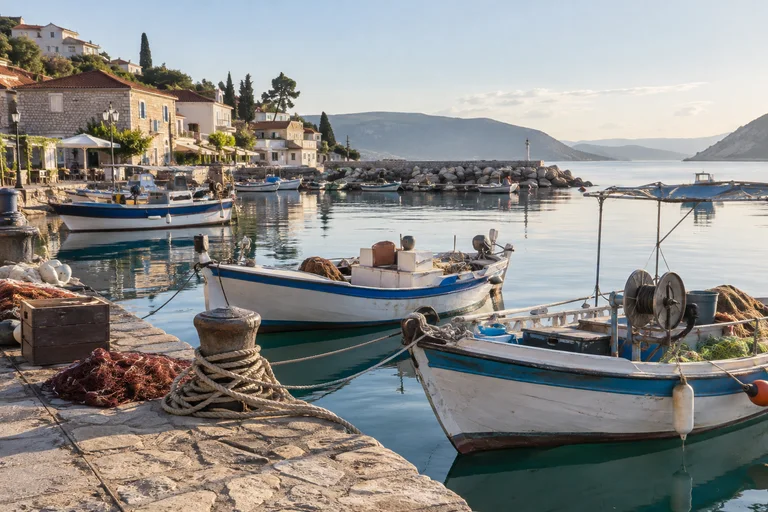
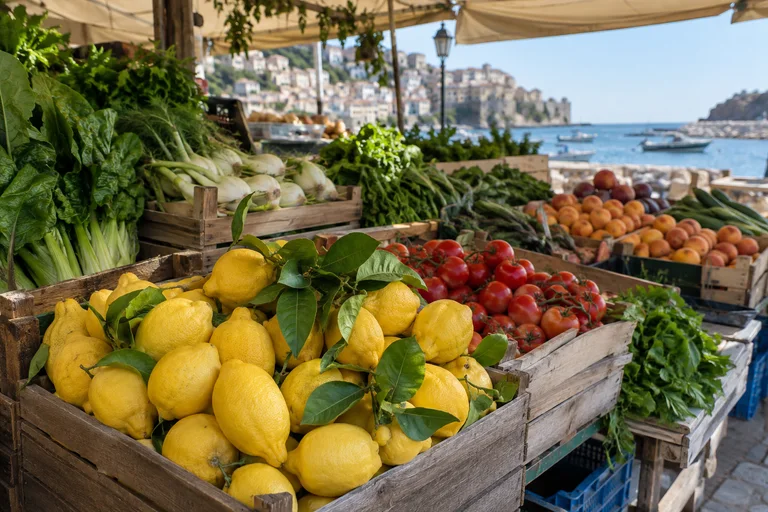
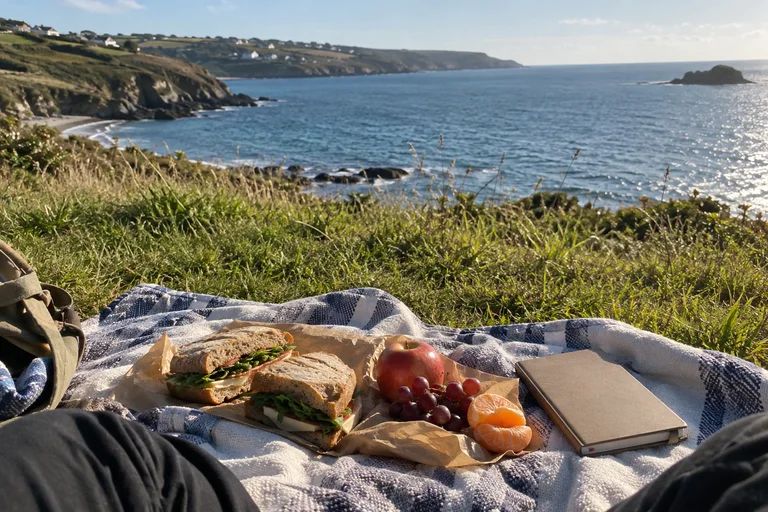


Make the sunset photo the focus. Put Morning on the upper left, Afternoon on the upper right, and the Evening note below the sunset.
An infinite canvas for outfit photos and styling notes. Natural language creates a wardrobe map or a comparison of work, weekend and evening looks.
See words change the layout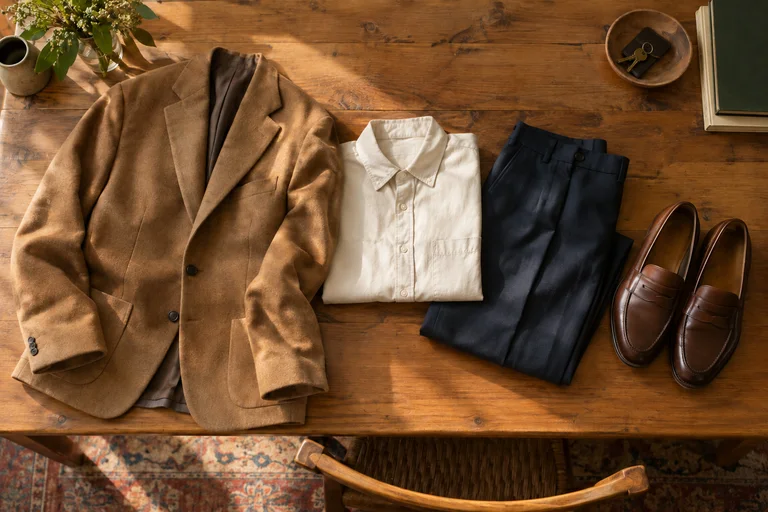
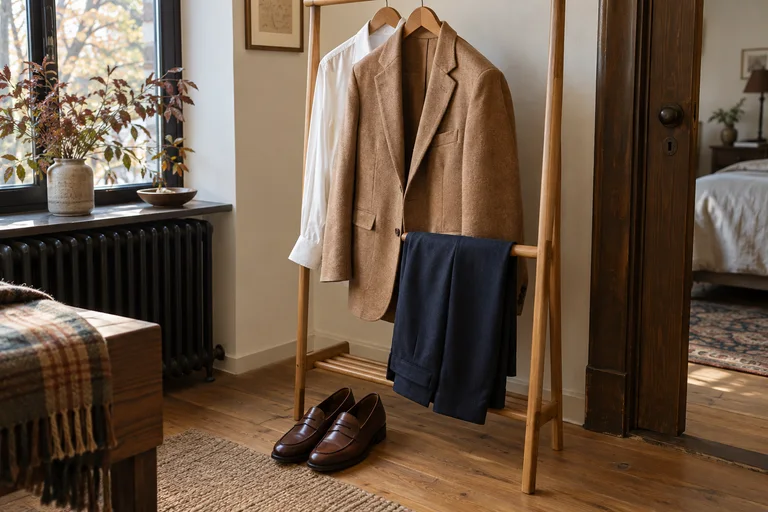
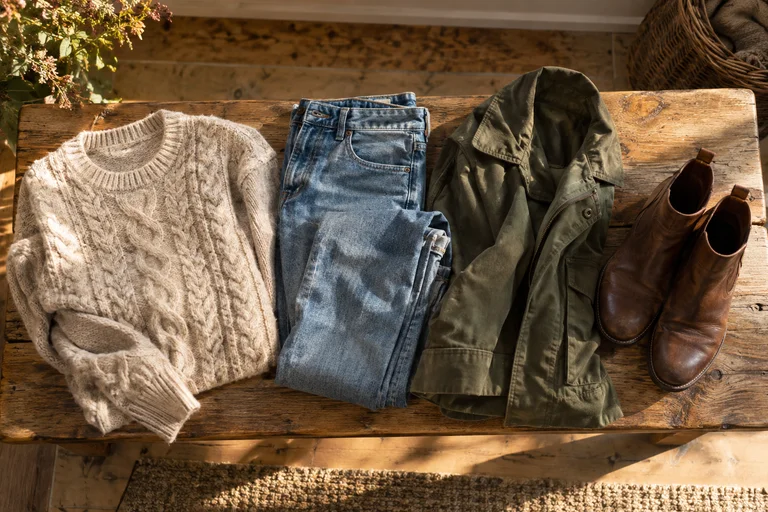
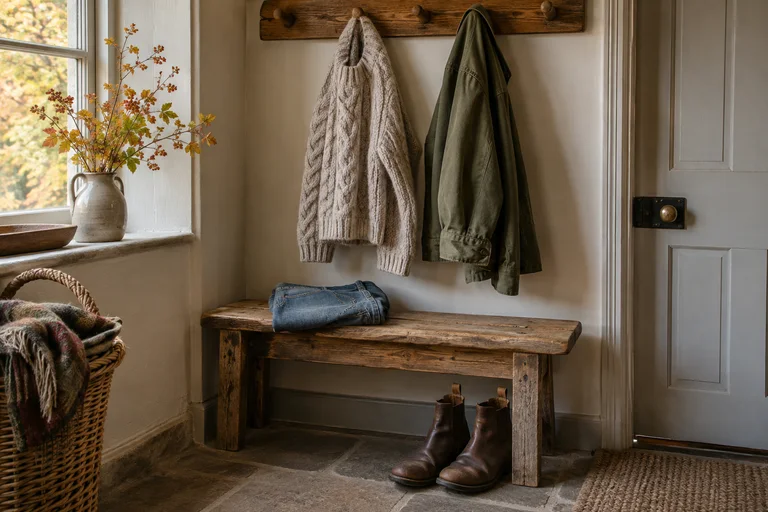
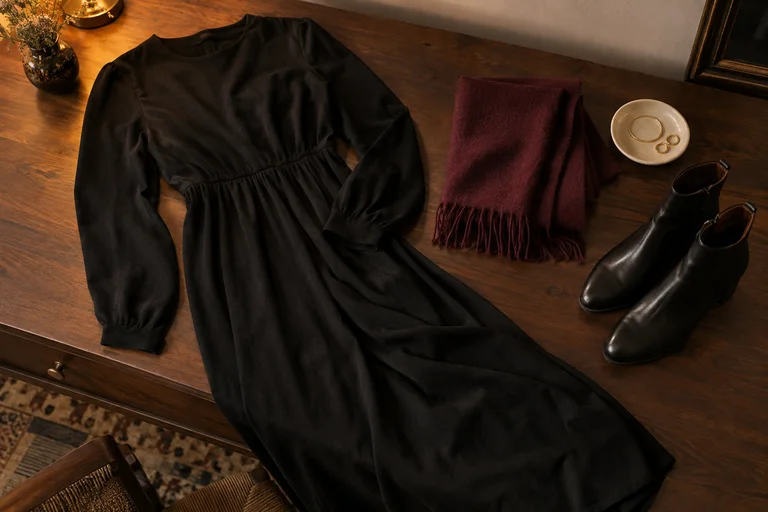
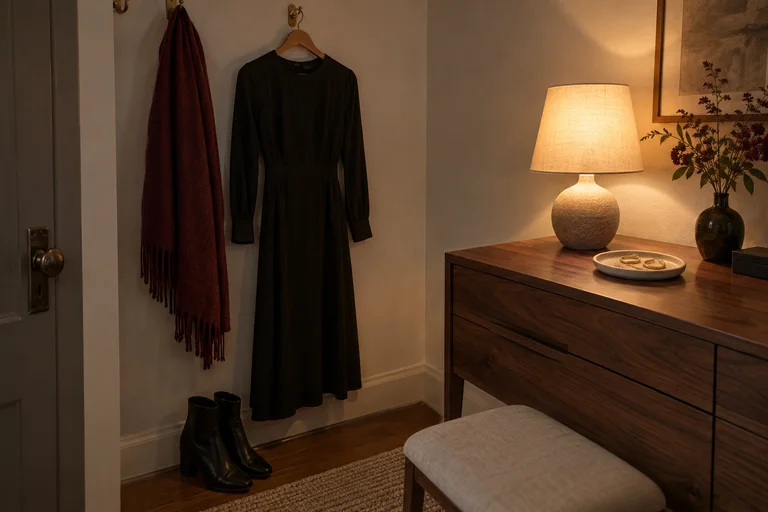
Place work outfits on the upper left, weekend outfits at the lower center and evening outfits on the right.
Book photos and reading notes share an infinite canvas. A natural language request sets a reading route or gives one book a central place.
See words change the layout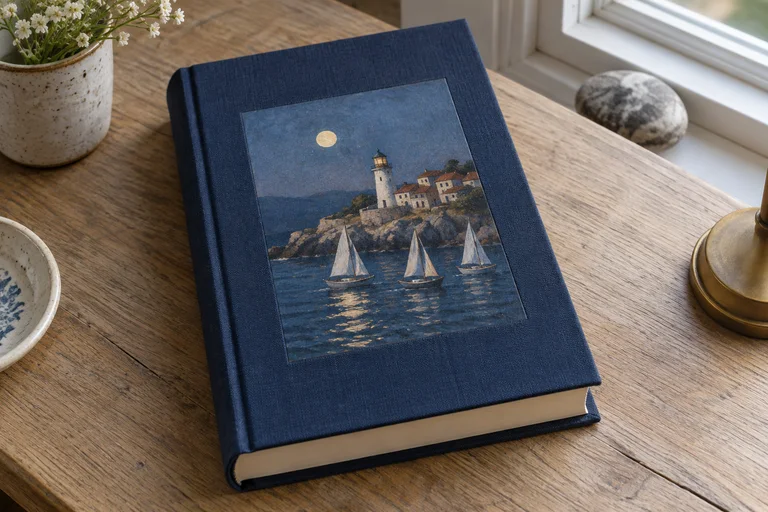
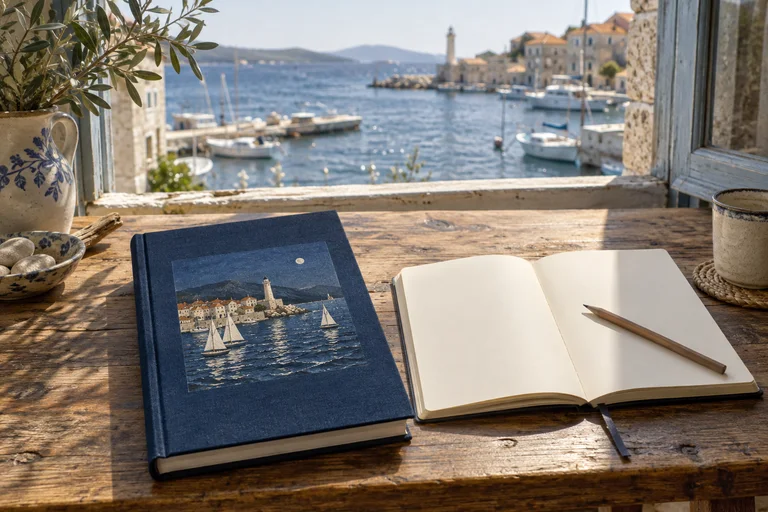
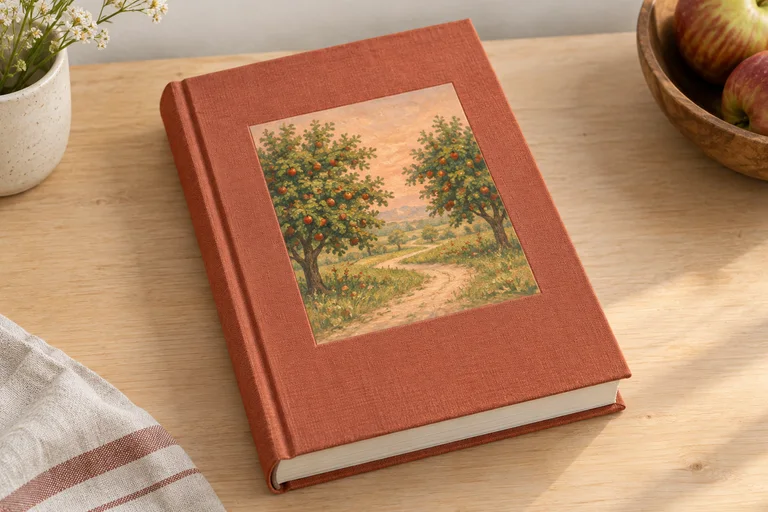
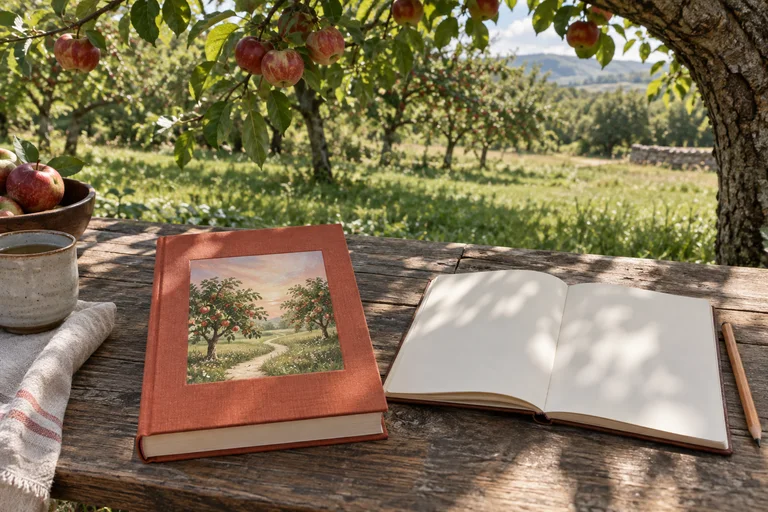
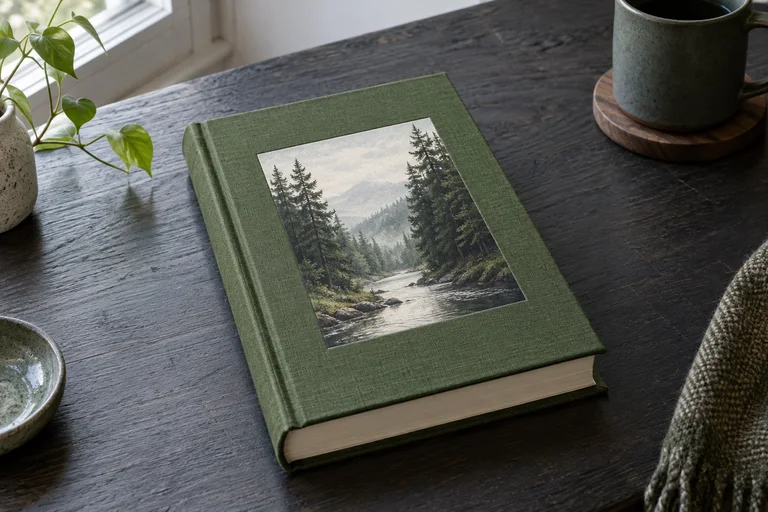
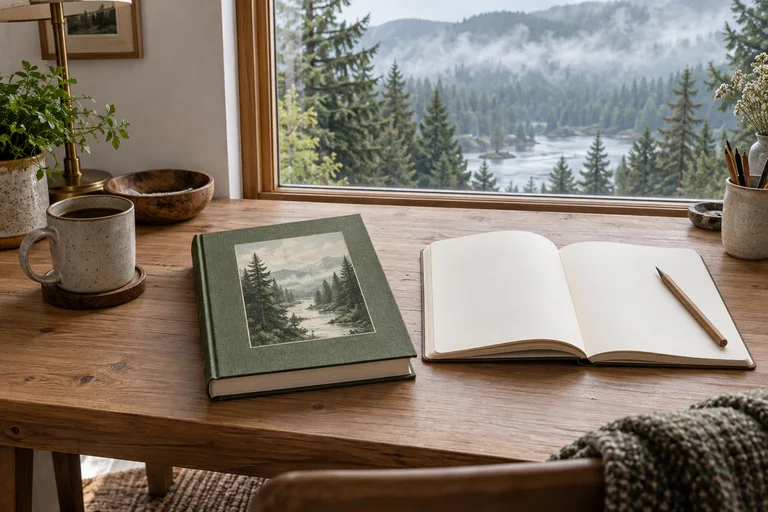
Make a reading route down the canvas, with book groups alternating between the left and right and notes beside their covers.
Place your notes with light, water and stone references on an infinite canvas. Use natural language to choose water as the focus or a path from light to stone.
See words change the layout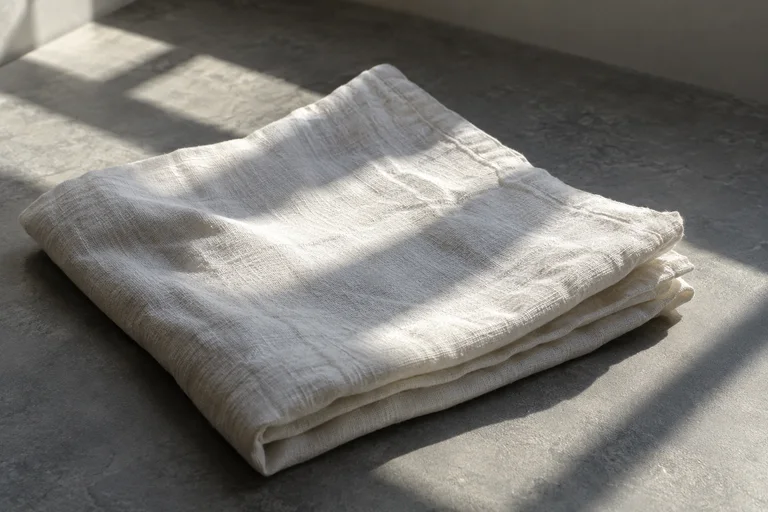
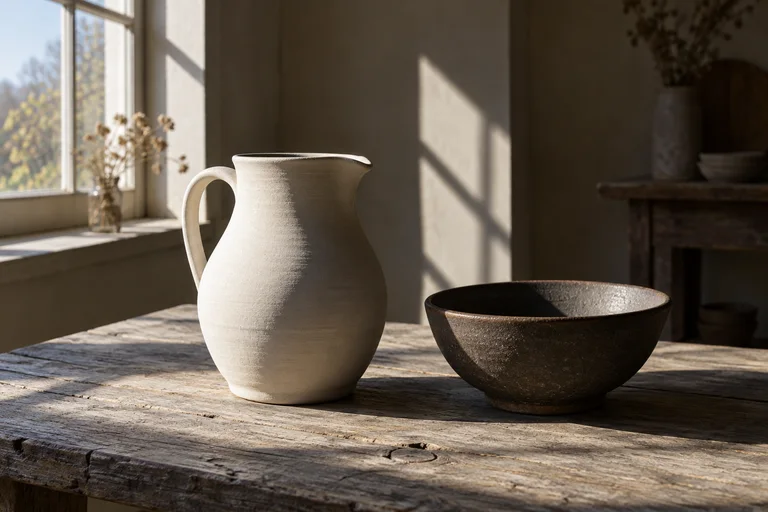
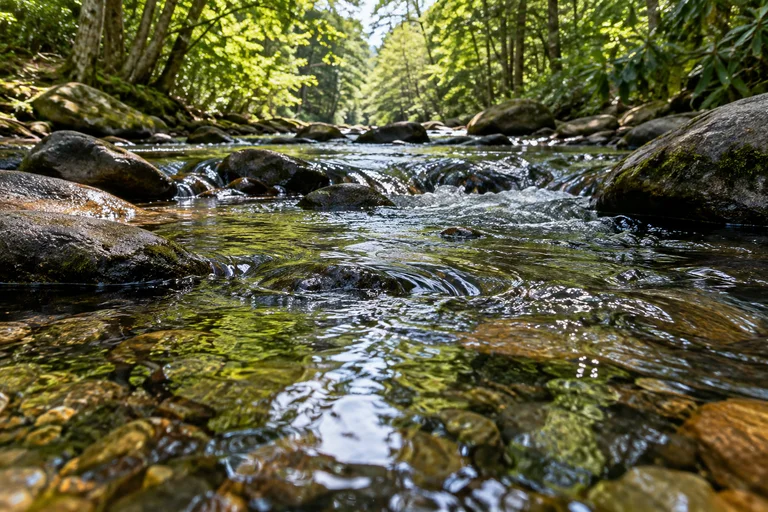
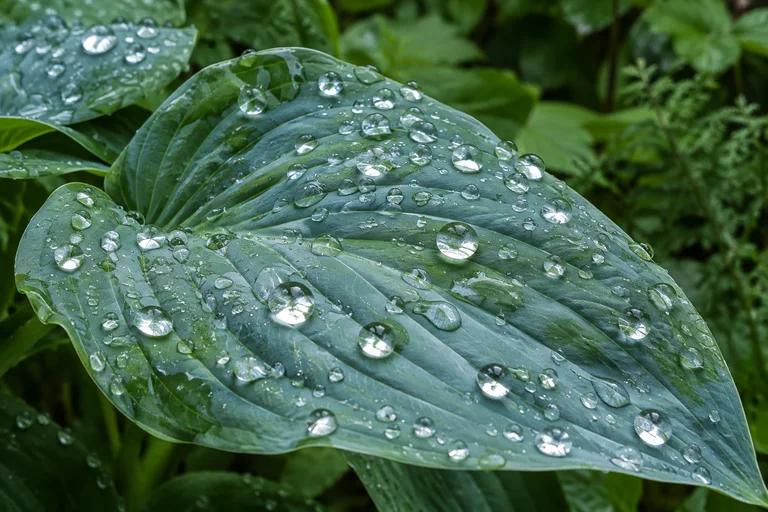
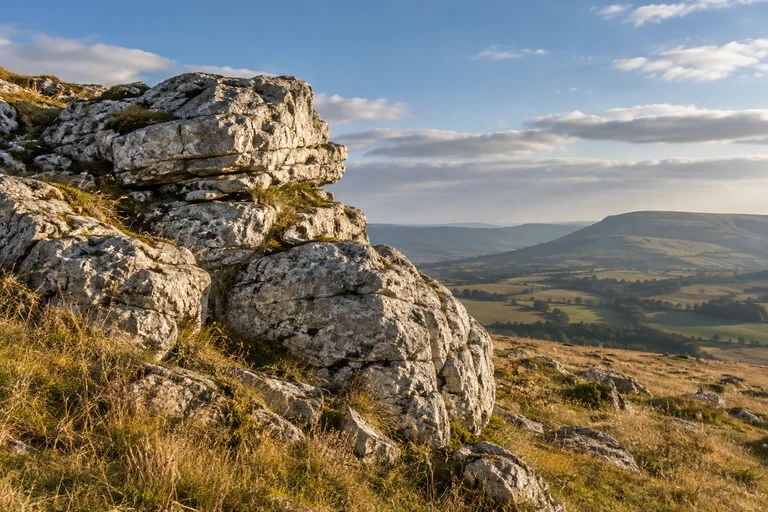
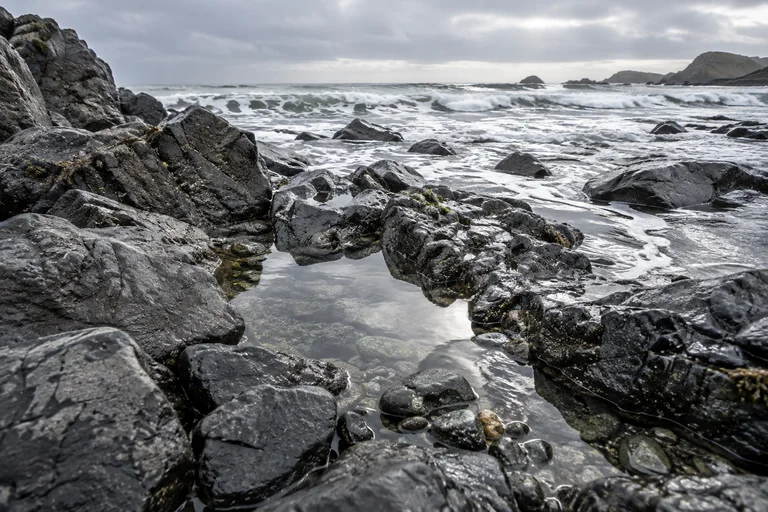
Make the water images the focus, with light on the upper left and stone on the lower right.
Export your photos, full text and layout as a ZIP webpage. Download every part, extract them into one folder and open index.html without an internet connection. Viewing and export use no AI credits.
See offline exportBring photos and text to your first space. Your free account includes monthly AI credits.
Questions about Albumtale
Create an account and open your space. Editing supports desktops and landscape tablets.
Select one or more objects. Move, resize, rotate, align, group, lock, copy or delete them. Edit text and its style. Use layers, undo, redo, zoom, pan and area navigation.
Describe how to group or move your photos and notes. A layout that passes the checks is applied to the canvas. Edit the result or use Undo to restore the previous layout.
Monthly plan: $9.99. Annual plan: $99.99. 1,500 AI credits each billing month. Free plan: 300 AI credits per month, on a monthly cycle based on your registration date. The first month includes 300 credits, with no extra sign-up grant. Credits do not roll over, and dormant months do not receive backdated grants. 1 space · 100 MiB total storage.