 Albumtale
Arrange an art reference board
Build an art reference board with your photos and full observation notes. Albumtale uses your layout request to group references by light, texture or color on an infinite canvas. Each photo and text object remains editable.
Create a free accountMake the water images the focus, with light on the upper left and stone on the lower right.
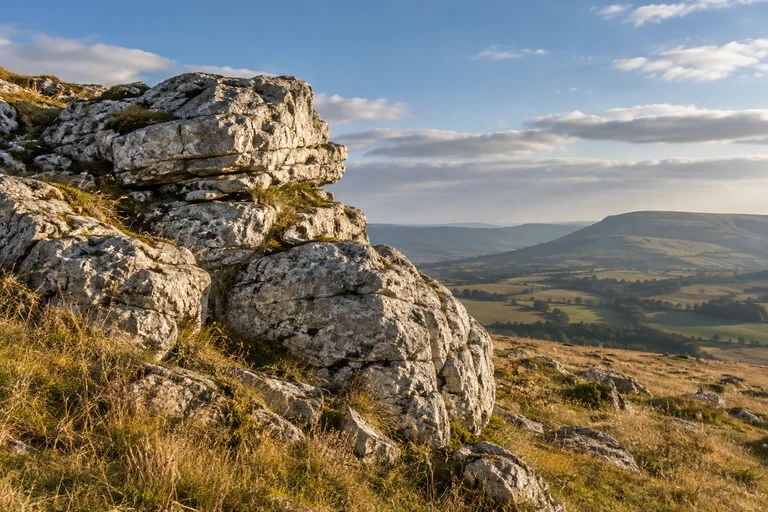
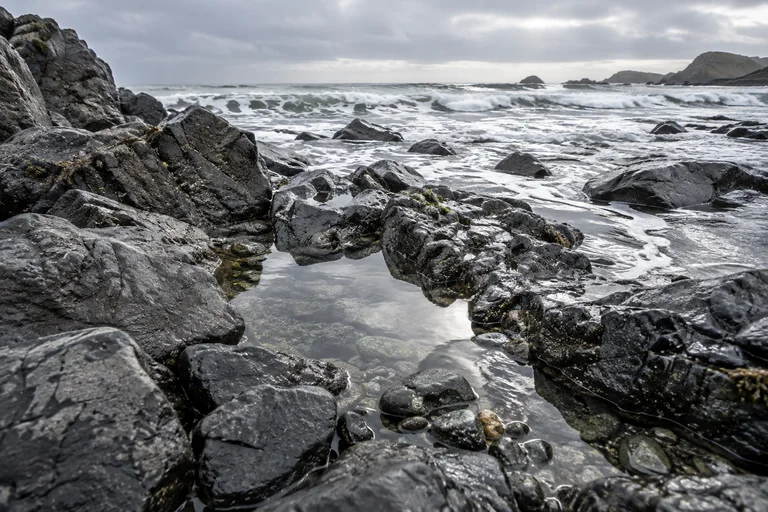
The example could not load. Reload the page.
Arrow keys move the view. + and − zoom. 0 returns to the whole space.
Source material
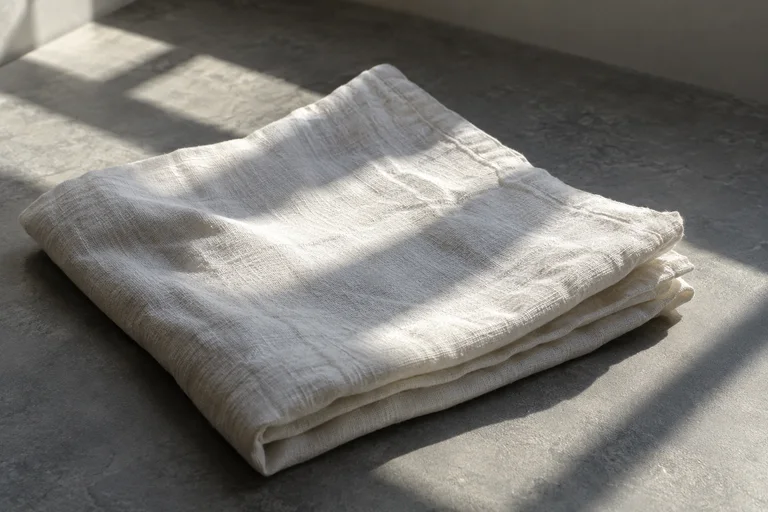
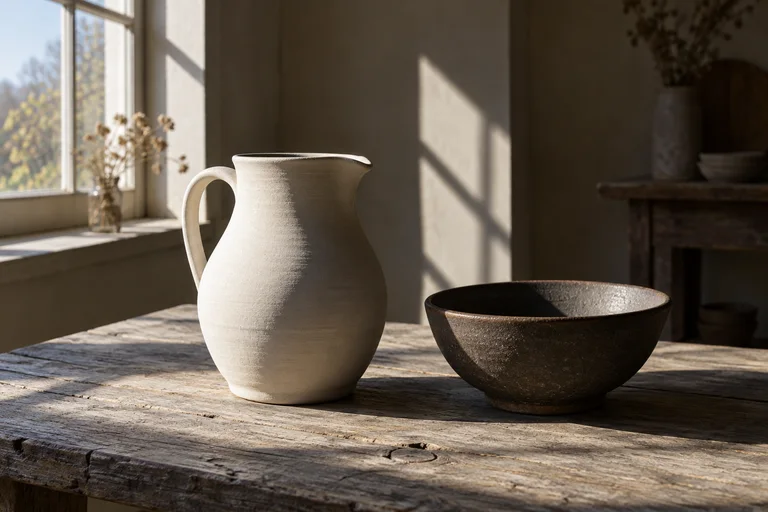
- Window light leaves a bright edge and a long shadow. I want to study the color changes between the lit surfaces and the shade.
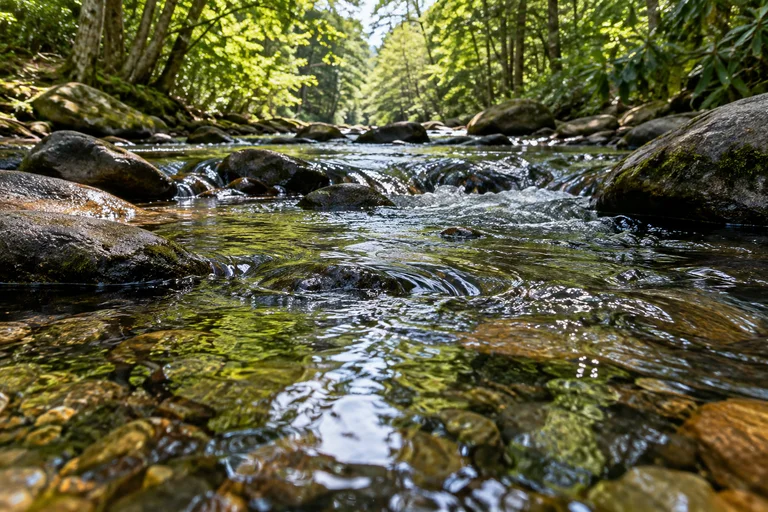
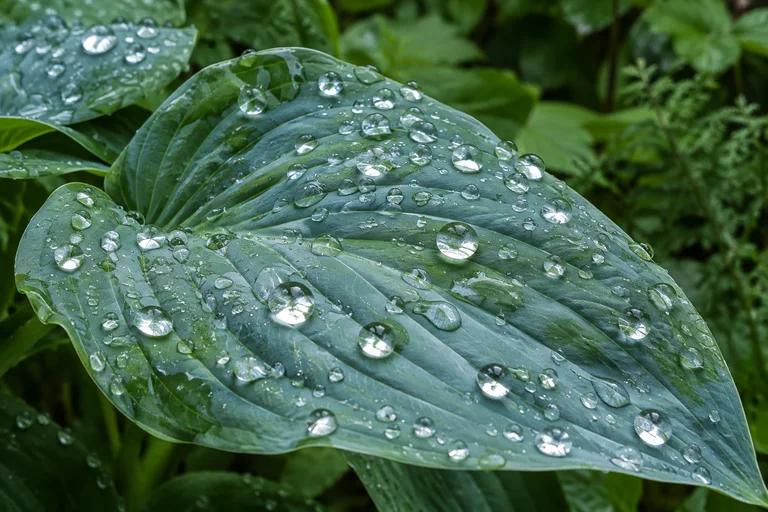
- The water carries reflections and small ripples. I want to sketch the shapes made by movement on its surface.
- The stone has rough edges and layers of color. I want to draw its texture with lines and patches of shade.
Steps
- Add your reference photos and notes about light, texture, color or form. Keep each observation as a text object.
- Describe the groups, positions and photo sizes you want.
- A completed layout takes effect on the canvas. Use Undo to restore the previous arrangement. Edit or lock objects, and add photos and text as your collection grows.
- Export the canvas and download every ZIP part. Extract all parts into one folder and open index.html for offline viewing. Editing and AI need the web app.
Questions
Can I group references by light, texture or color?
Describe the groups and the photos that belong to them in your request. Ask for a comparison, a path or a focal image, with your observation notes beside the references.
Can I protect objects from later layout requests?
Lock the objects you want to keep in place. Layout requests preserve locked objects and manual edits. Use Undo to restore an arrangement you want to keep.
Can I keep an offline copy of the board?
Export the canvas as a ZIP. Extract it and open index.html to view the photos, text and layout without a connection. The export is a viewing snapshot; it does not include editing or AI.
By Albumtale. Updated .