 Albumtale
整理美術參考圖
使用個人照片與完整觀察筆記製作美術參考看板。Albumtale 依照排版要求,在無限畫布中安排光線、質感或色彩參考群組。每張照片與文字物件都能編輯。
建立免費帳戶你的要求錄製示例
水景照片做主圖,光影放在左上,岩石放在右下。
拖動畫布,查看照片與文字。
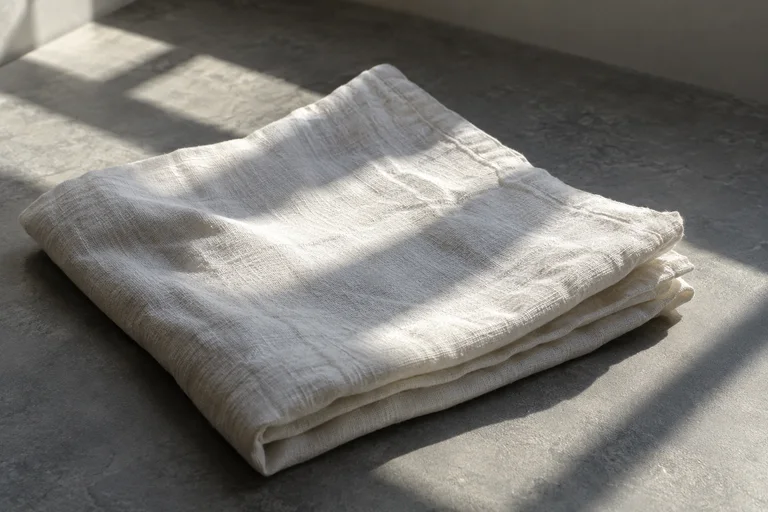
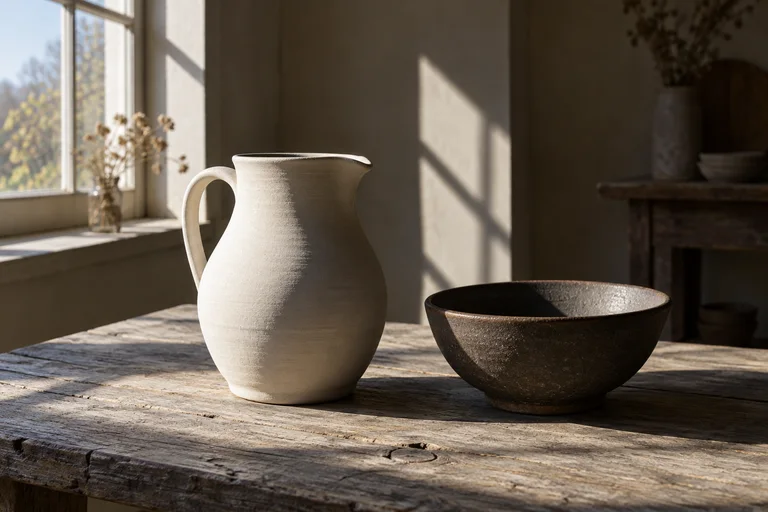
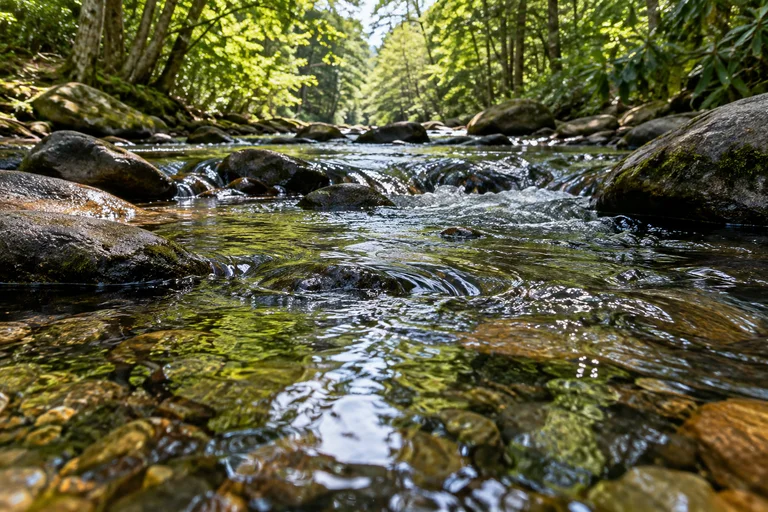
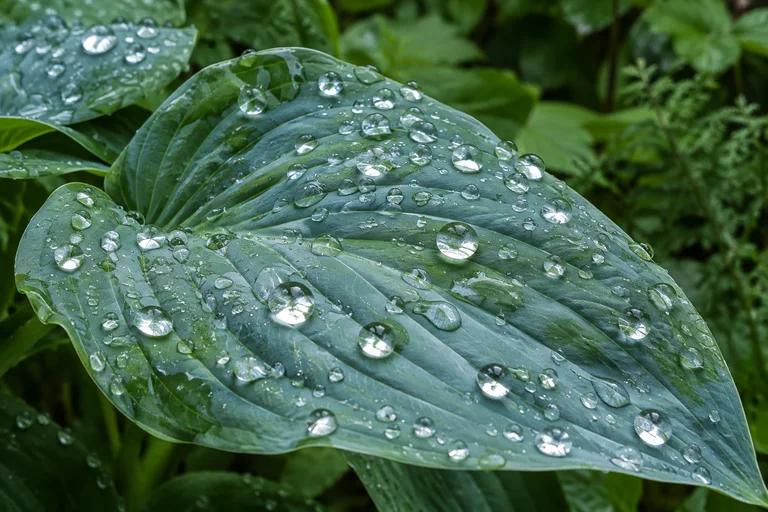
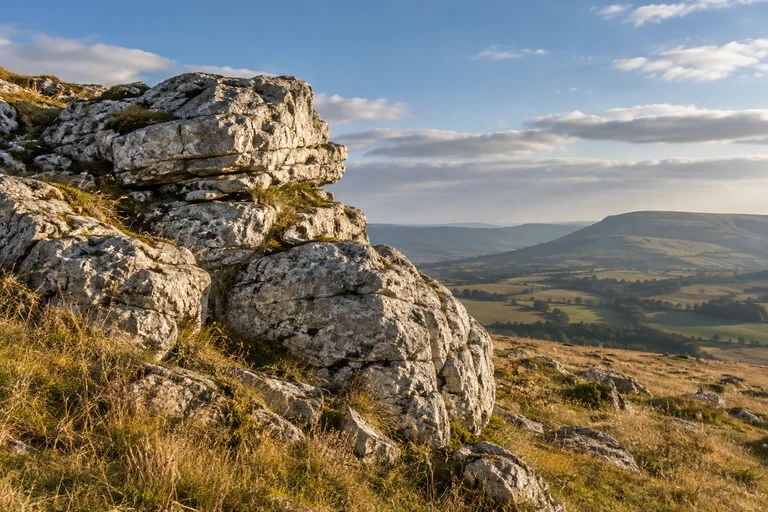
Window light leaves a bright edge and a long shadow. I want to study the color changes between the lit surfaces and the shade.
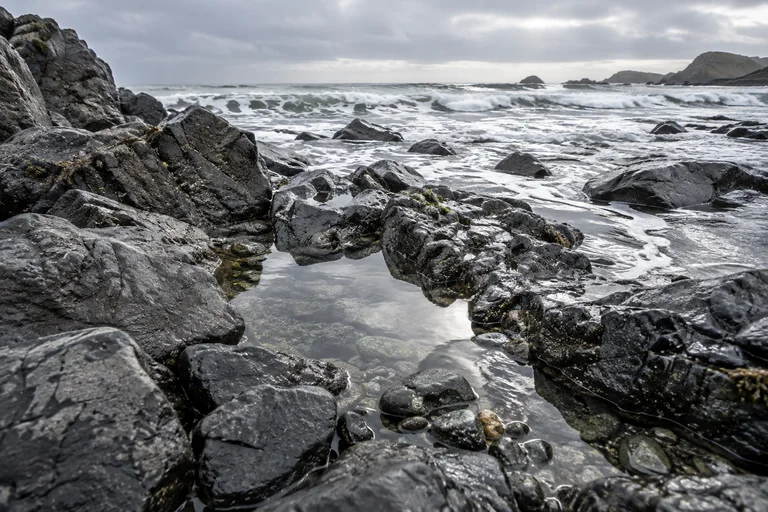
The water carries reflections and small ripples. I want to sketch the shapes made by movement on its surface.
The stone has rough edges and layers of color. I want to draw its texture with lines and patches of shade.
Window light leaves a bright edge and a long shadow. I want to study the color changes between the lit surfaces and the shade.
The water carries reflections and small ripples. I want to sketch the shapes made by movement on its surface.
The stone has rough edges and layers of color. I want to draw its texture with lines and patches of shade.
Light
Water
Stone
Window light leaves a bright edge and a long shadow. I want to study the color changes between the lit surfaces and the shade.
The water carries reflections and small ripples. I want to sketch the shapes made by movement on its surface.
The stone has rough edges and layers of color. I want to draw its texture with lines and patches of shade.
Light
Water
Stone
查看分組
範例載入失敗。刷新頁面。
方向鍵移動視野,+/−縮放,0返回全景。
原始素材
- Window light leaves a bright edge and a long shadow. I want to study the color changes between the lit surfaces and the shade.
- The water carries reflections and small ripples. I want to sketch the shapes made by movement on its surface.
- The stone has rough edges and layers of color. I want to draw its texture with lines and patches of shade.
步驟
- 加入參考照片,以及光線、質感、色彩或形狀的筆記。使用文字物件保留每則觀察。
- 描述群組、位置與照片尺寸。
- 完成的配置會套用至畫布。「復原」可還原原有配置。編輯或鎖定物件,加入照片與文字,保留收藏內容。
- 匯出畫布,下載全部 ZIP 分卷。將分卷解壓縮至同一資料夾,開啟 index.html 瀏覽離線副本。編輯與 AI 功能需要網頁應用程式。
問題
可以依照光線、質感或色彩安排參考群組嗎?
描述群組與所屬照片,指定對比、路線或主角照片,讓觀察筆記與參考照片形成對照。
如何保護物件,避免排版要求改動它們?
鎖定需要保留位置的物件。排版要求會保留鎖定物件與手動修改。「復原」可還原原有配置。
可以保留看板的離線副本嗎?
將畫布匯出為 ZIP,解壓縮並開啟 index.html,查看照片、文字與配置。匯出檔案是瀏覽快照,不提供編輯與 AI 功能。
作者 Albumtale. 已更新 .