 Albumtale
創作の参考写真を整理
自分の写真と観察メモの全文を使い、創作の参考ボードを作れます。Albumtale は配置の依頼に従い、光、質感、色などの参考写真を無限キャンバスでグループに分けます。写真と文章は編集できます。
無料アカウントを作成あなたの言葉記録した例
水の写真を主役にし、光を左上、石を右下に置いて。
キャンバスをドラッグして写真と文章を見られます。
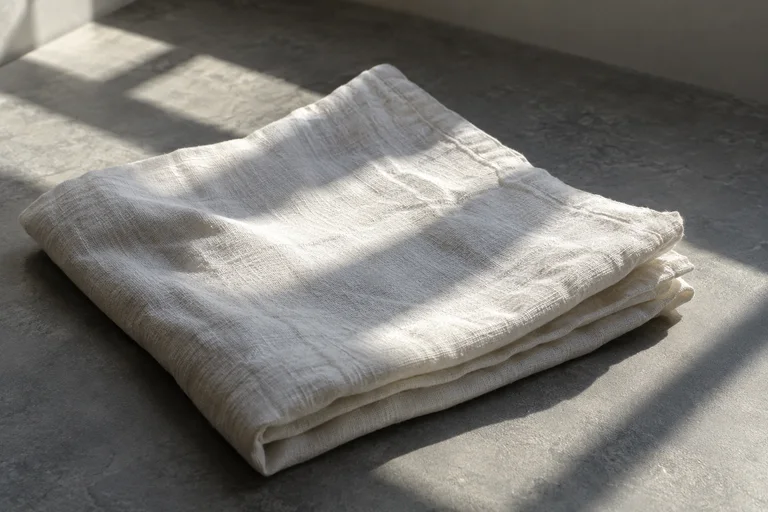
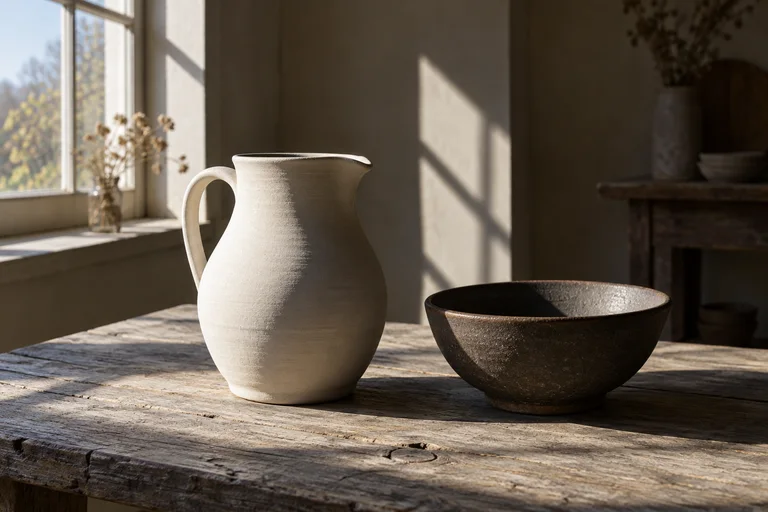
Window light leaves a bright edge and a long shadow. I want to study the color changes between the lit surfaces and the shade.
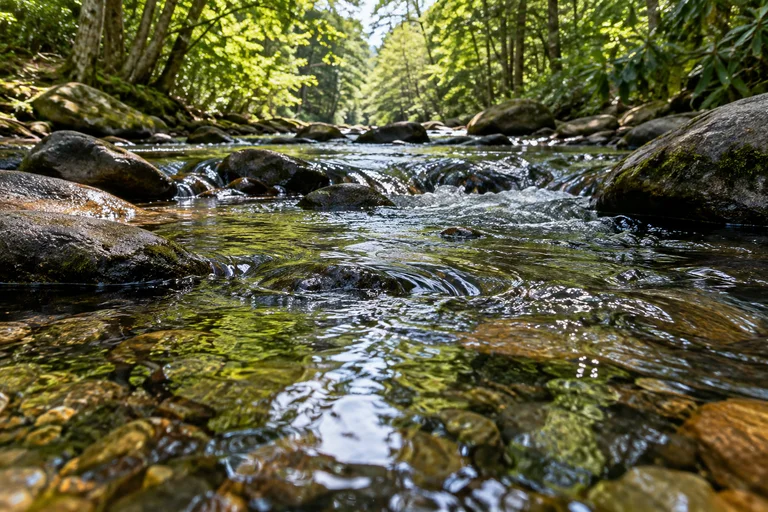
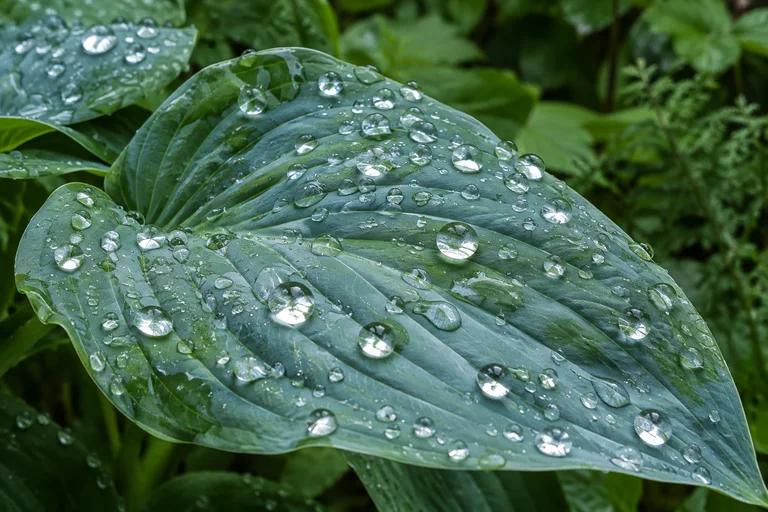
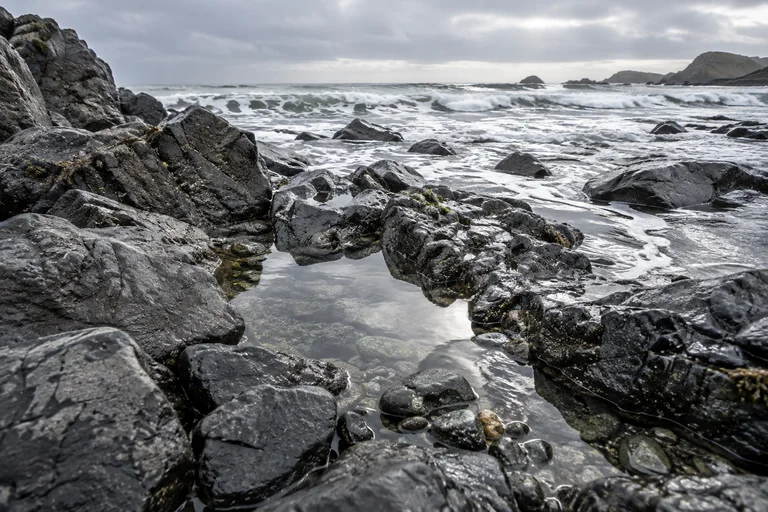
The water carries reflections and small ripples. I want to sketch the shapes made by movement on its surface.
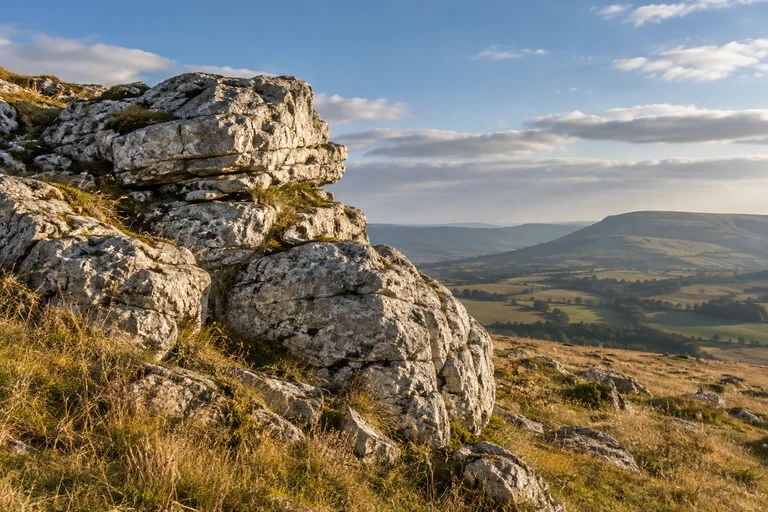
The stone has rough edges and layers of color. I want to draw its texture with lines and patches of shade.
Window light leaves a bright edge and a long shadow. I want to study the color changes between the lit surfaces and the shade.
The water carries reflections and small ripples. I want to sketch the shapes made by movement on its surface.
The stone has rough edges and layers of color. I want to draw its texture with lines and patches of shade.
Light
Water
Stone
Window light leaves a bright edge and a long shadow. I want to study the color changes between the lit surfaces and the shade.
The water carries reflections and small ripples. I want to sketch the shapes made by movement on its surface.
The stone has rough edges and layers of color. I want to draw its texture with lines and patches of shade.
Light
Water
Stone
グループを見る
例を読み込めませんでした。ページを再読み込みしてください。
矢印キーで視点を移動。+と−でズーム。0で空間全体を表示。
元の素材
- Window light leaves a bright edge and a long shadow. I want to study the color changes between the lit surfaces and the shade.
- The water carries reflections and small ripples. I want to sketch the shapes made by movement on its surface.
- The stone has rough edges and layers of color. I want to draw its texture with lines and patches of shade.
手順
- 参考写真と、光、質感、色、形についてのメモを追加します。観察したことをテキストオブジェクトとして残します。
- グループ、位置、写真の大きさを文章で伝えます。
- 完成したレイアウトがキャンバスに反映されます。「元に戻す」で前の配置に戻せます。オブジェクトの編集やロック、写真と文章の追加を続けられます。
- キャンバスを書き出し、すべての分割 ZIP をダウンロードします。同じフォルダーに解凍し、index.html を開いてオフラインで閲覧します。編集と AI の利用には Web アプリが必要です。
質問
光、質感、色で参考写真をグループに分けられますか?
グループと、それぞれに含めたい写真を依頼文で伝えてください。比較、道筋、主役にする写真を指定し、参考写真のそばに観察メモを配置できます。
次のレイアウト変更からオブジェクトを保護できますか?
位置を保ちたいオブジェクトをロックしてください。レイアウトの依頼は、ロックしたオブジェクトと手動の編集を保持します。「元に戻す」で以前の配置に戻せます。
ボードのオフラインコピーを保存できますか?
キャンバスを ZIP として書き出します。解凍して index.html を開くと、通信のない環境で写真、文章、配置を閲覧できます。書き出したものは閲覧用のスナップショットで、編集や AI の機能は含みません。
作成者 Albumtale. 更新日 .