 Albumtale
整理美术参考图
使用个人照片与完整观察笔记制作美术参考看板。Albumtale 按布局要求,在无限画布中安排光线、质感或色彩参考分组。每张照片与文字对象都能编辑。
创建免费账户你的要求录制示例
水景照片做主图,光影放在左上,岩石放在右下。
拖动画布,查看照片与文字。
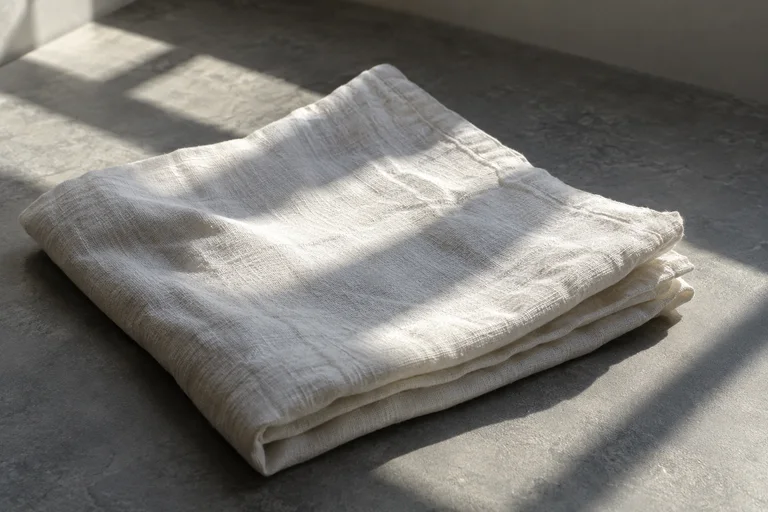
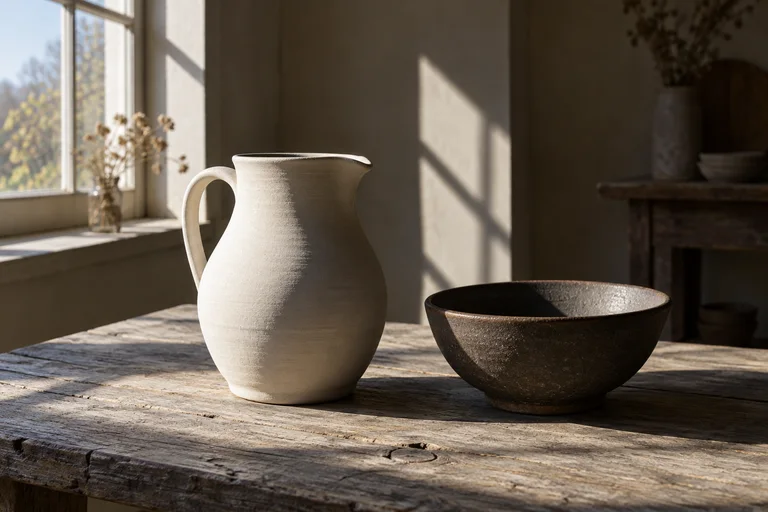
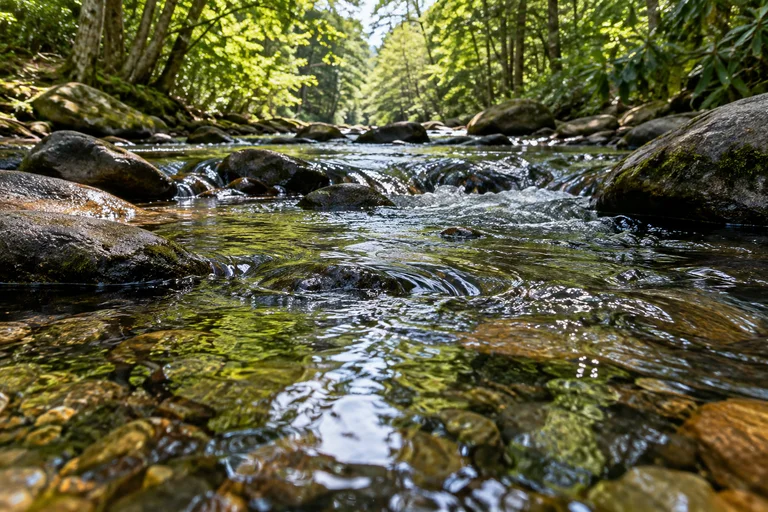
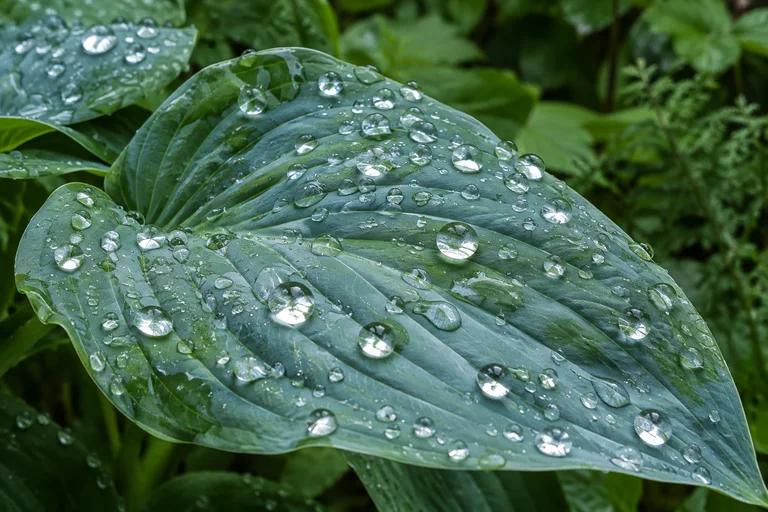
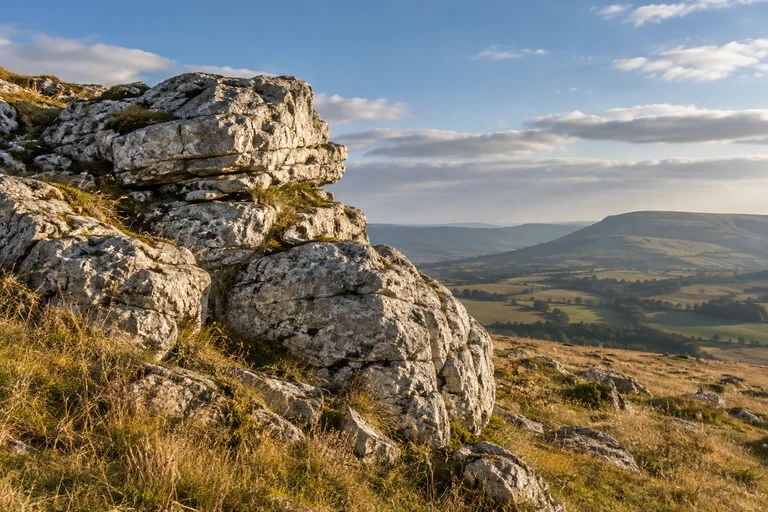
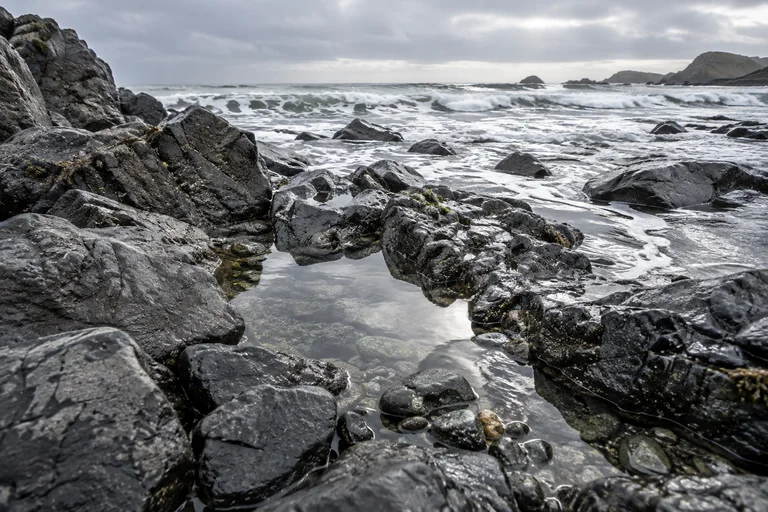
Window light leaves a bright edge and a long shadow. I want to study the color changes between the lit surfaces and the shade.
The water carries reflections and small ripples. I want to sketch the shapes made by movement on its surface.
The stone has rough edges and layers of color. I want to draw its texture with lines and patches of shade.
Window light leaves a bright edge and a long shadow. I want to study the color changes between the lit surfaces and the shade.
The water carries reflections and small ripples. I want to sketch the shapes made by movement on its surface.
The stone has rough edges and layers of color. I want to draw its texture with lines and patches of shade.
Light
Water
Stone
Window light leaves a bright edge and a long shadow. I want to study the color changes between the lit surfaces and the shade.
The water carries reflections and small ripples. I want to sketch the shapes made by movement on its surface.
The stone has rough edges and layers of color. I want to draw its texture with lines and patches of shade.
Light
Water
Stone
查看分组
示例加载失败。刷新页面。
方向键移动视野,+/−缩放,0返回全景。
原始素材
- Window light leaves a bright edge and a long shadow. I want to study the color changes between the lit surfaces and the shade.
- The water carries reflections and small ripples. I want to sketch the shapes made by movement on its surface.
- The stone has rough edges and layers of color. I want to draw its texture with lines and patches of shade.
步骤
- 添加参考照片,以及光线、质感、色彩或形状的笔记。使用文字对象保留每则观察。
- 描述分组、位置与照片尺寸。
- 完成的布局会应用至画布。“撤销”可还原原有布局。编辑或锁定对象,添加照片与文字,保留收藏内容。
- 导出画布,下载全部 ZIP 分卷。将分卷解压至同一文件夹,打开 index.html 查看离线副本。编辑与 AI 功能需要网页应用。
问题
可以按光线、质感或色彩安排参考分组吗?
描述分组与所属照片,指定对比、路线或主角照片,让观察笔记与参考照片形成对照。
如何保护对象,避免布局要求改动它们?
锁定需要保留位置的对象。布局要求会保留锁定对象与手动修改。“撤销”可还原原有布局。
可以保留看板的离线副本吗?
将画布导出为 ZIP,解压并打开 index.html,查看照片、文字与布局。导出文件是查看快照,不提供编辑与 AI 功能。
作者 Albumtale. 已更新 .