 Albumtale
 / Guides to your photo and text canvas
Add photos and full text to an infinite canvas
Bring photos and writing into one space. Arrange each photo and note and save your work.
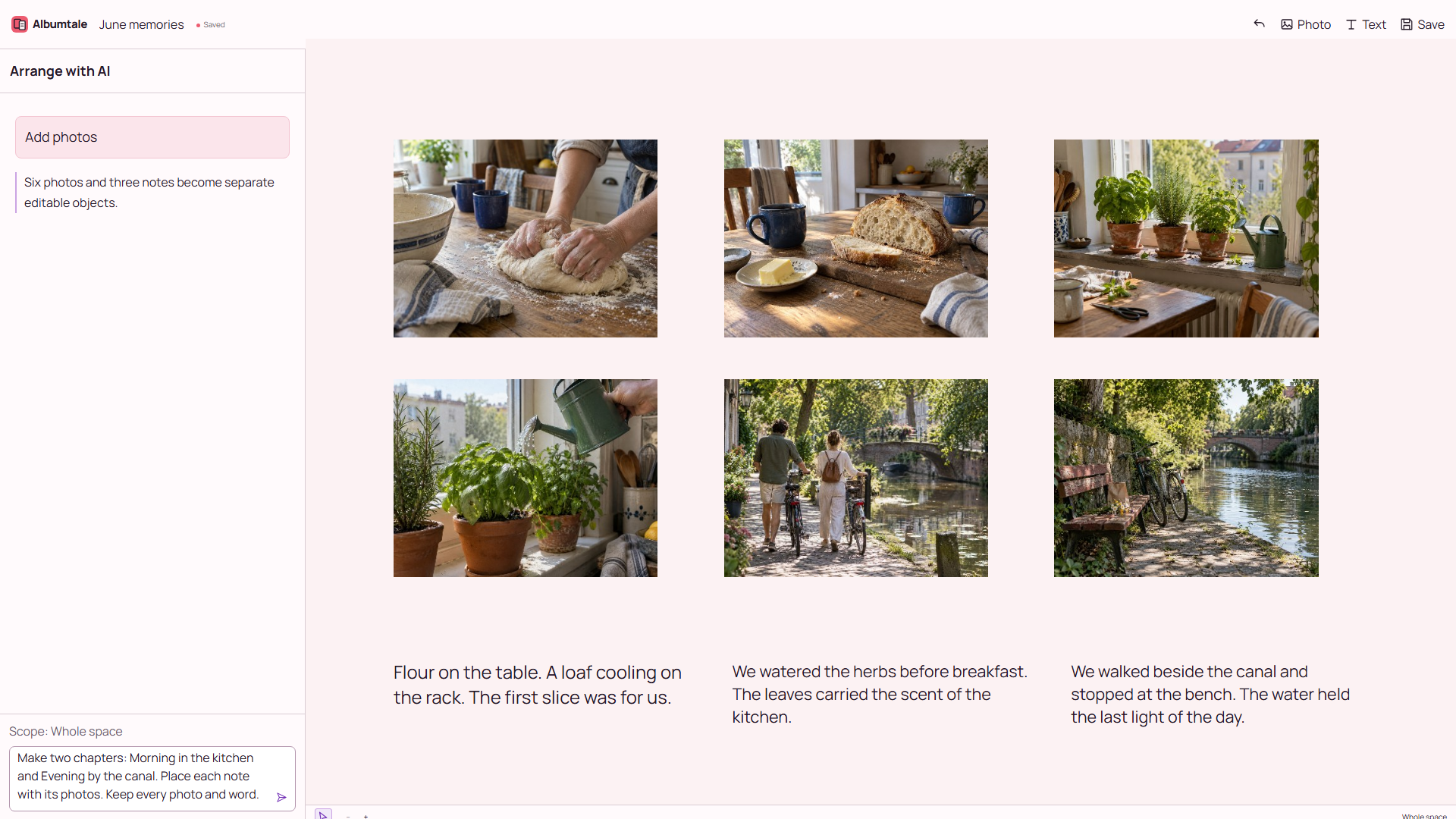
Steps
- Create a space with a name that identifies its content. Keep another copy of the source files.
- Import your photos. Check the import status and wait for the photos to appear before adding another batch.
- Add a text object and enter your full note. Keep names, dates and source information when they matter to the record.
- Move a photo or edit a note to create the arrangement you want.
- Save the space. Keep a copy of your source files.
Example
Flour on the table. A loaf cooling on the rack. The first slice was for us.
Questions
What material can I add?
Photo import and text are supported. Video and audio import, a template directory and document annotation are not provided.
Does changing the interface language translate my writing?
The interface language changes controls and service messages. Your original writing and the positions of canvas objects stay as supplied.
What should I do after an import or save fails?
Keep the source files and your draft. Retry the import or save. If the error remains, keep a draft copy before closing the space.
Keep your source material
Use your own material or obtain permission for its use. Keep source names and the full original notes. A reference image shows a direction; it does not grant permission to reproduce the work. Keep another copy of your source files.
By Albumtale. Updated .