 Albumtale
Albumtale / Memory guides / English guide
Make a digital scrapbook with photos and your own words
A digital scrapbook gives photos, writing and the links between them a place to live. Start with one story, choose the images that carry it, and keep the words that a camera cannot capture. A folder and a document can support this process; a canvas adds control over the arrangement.
Choose the kind of record you want
An ongoing scrapbook needs space for additions. A printed photo book needs a fixed set of pages. A memorial page has its own audience and purpose. Choose the format from the task: a year of family moments, a trip, a relationship or a project in progress. This guide focuses on an editable personal record of photos and words.
Build one story in five steps
- Name the story. Use a title such as “Our garden, 2026” or “A weekend by the water.” A title gives each new item a home without requiring a finished account of the event.
- Pick a small set of photos. Choose a scene, a person or action, and a detail. Keep the original image files. A display crop can change; the source file should remain available.
- Write what the photos leave out. Record a conversation, a choice, a feeling or a detail from the day. Add a date and a place if you know them. Preserve uncertain facts as uncertain facts.
- Choose a main photo. Give one image emphasis through size or placement. Put related writing beside its images. Keep long writing in a readable block instead of shrinking it to fit a decoration.
- Leave room for another memory. Use chapter names for a place, period or theme. Add the next record as a new group; protect a finished arrangement before changing its surroundings.
A scrapbook example with an original note
This fictional plan uses three photos: a harbor, a bread stall and a bench. The harbor is the main image. The other two photos support one note:
“We split a warm roll on the bench beside the harbor. Mina kept the paper bag for her drawings. I took a photo of the boats, but the part I want to remember is our argument about which boat we would choose.”
Name the group “Saturday at the harbor.” Keep that paragraph as the source text. If you want a short caption, write a separate caption. An arrangement should fit the story without replacing it. A return visit can become a second chapter with its own date and main image.
Protect the writing and keep a backup
Keep a source folder containing photos and a text file for each note. Use file names that connect the items, such as 2026-06-14-harbor. Save a second copy on a separate device or a storage service you control. Check that the images open and that the notes contain the full text. A flattened image preserves an appearance; source files preserve material for future changes.
The Albumtale private test
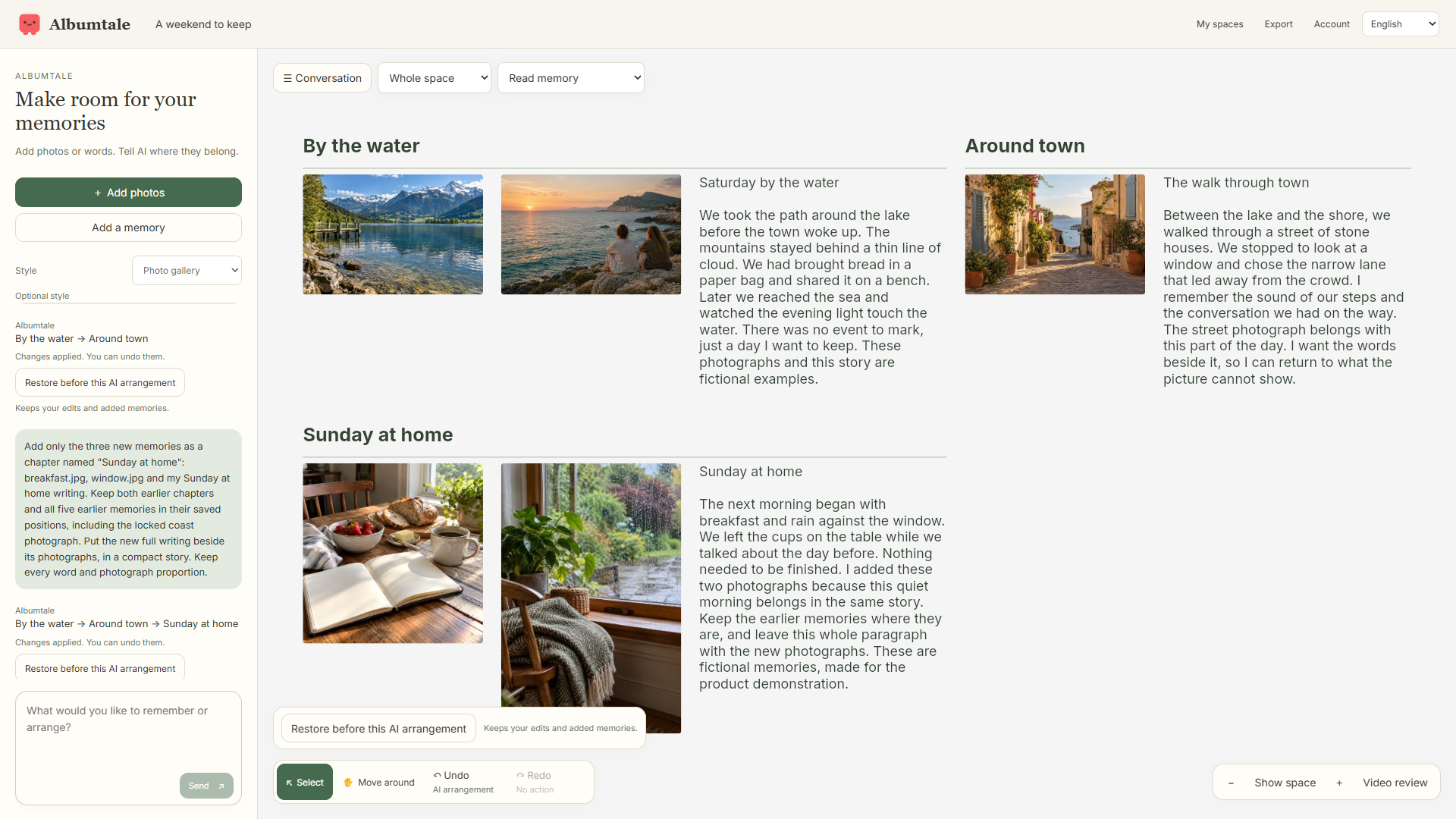
Albumtale’s invited desktop testers can add photos and words, request a layout through chat, add memories and use editing, lock, undo and restore tools. A result can need a follow-up request or a manual change. The product recording shows saved results from real DeepSeek requests with fictional material.
Public editor access and purchases are unavailable. New uploads use photos and text; existing audio, video and saved recaps remain part of the supported viewing flow. Browser recaps use photos and words; imported audio and video clips are excluded from that recap flow. Audio transcription and cloud rendering are unavailable. A ZIP export is a read-only viewing snapshot: extract it and open index.html for a view without a connection. Offline editing and AI are unavailable.
AI requests send selected material and context to DeepSeek. The public launch form accepts an email and feedback, without a private-media upload field. Keep private photos and personal records out of that form. Read the privacy notice, terms and launch pricing status, or join the launch list.