 Albumtale
Albumtale / Memory guides / English guide
Photo journal ideas: start with one photo and one note
A photo journal pairs an image with a note about what it means to you. The writing can preserve a thought, a conversation or the reason you chose it. Use a notebook, a document or a canvas that gives both parts space.
Choose an idea you want to continue
- A place through the seasons. Photograph a tree, a window or a walking route. Note the changes and the events linked to each visit.
- A project in progress. Keep photos of a garden, a painting or a repair. Record your choices and the problems you want to solve.
- Meals and the people around them. Pair a table photo with a conversation or a family recipe.
- An object with a story. Photograph a book or a gift. Record its source or the period of life it represents.
- A day you want to keep. Choose a walk, a celebration or time at home. A record can have value without a milestone.
Choose a starting theme and a schedule that fits your life. Leave gaps without inventing events.
Turn an idea into an entry
- Select the image. Choose a main photo. Add a second image if it contributes a different detail. Preserve the originals; a display crop can change.
- Write beyond the frame. Answer one prompt: “What happened?”, “What was on my mind?” or “What do I want to remember?” Give a long note room to read.
- Add a title and date. Use a place, moment or theme you can recognize. Keep your own spelling and language in the source note.
- Keep the image and note connected. Put them in one group or use matching file names. Check the text size and the image proportions before saving the arrangement.
- Add the next entry without replacing the last. Use a new group with its own date. A chapter for a month or project can connect entries, while a protected arrangement keeps your earlier choices.
An example from a morning at home
This fictional entry uses a photo of a windowsill and a photo of a seed tray. The windowsill is the main image. The title is “The first leaves,” with this original note:
“The seed tray has four green shoots. I moved it to the kitchen window beside Dad’s chipped mug. He used to ask me which plants needed water. I want to keep a record of this small garden, including the pots that remain empty.”
A new entry can record the next set of leaves. Keep the original paragraph instead of replacing it with a summary. If you want a caption, create a separate line such as “Four shoots at the kitchen window.” A photo journal can grow through additions without turning each entry into a finished page.
Make the record recoverable
Store the source photos and text files in a folder you control. Connect them through a shared entry name or date. Keep a second copy on a separate device or storage service, and check that the images open and the notes contain every sentence. Preserve an editable source and a viewing export. A screenshot shows the arrangement; source files support future changes.
Photo journaling in the Albumtale private test
Invited desktop testers can add photos and text, organize them through chat and continue an existing space. Objects and chapters remain editable, with move, text, lock, undo and restore tools. The product recording uses fictional notes and photos in saved results from real DeepSeek layout requests.
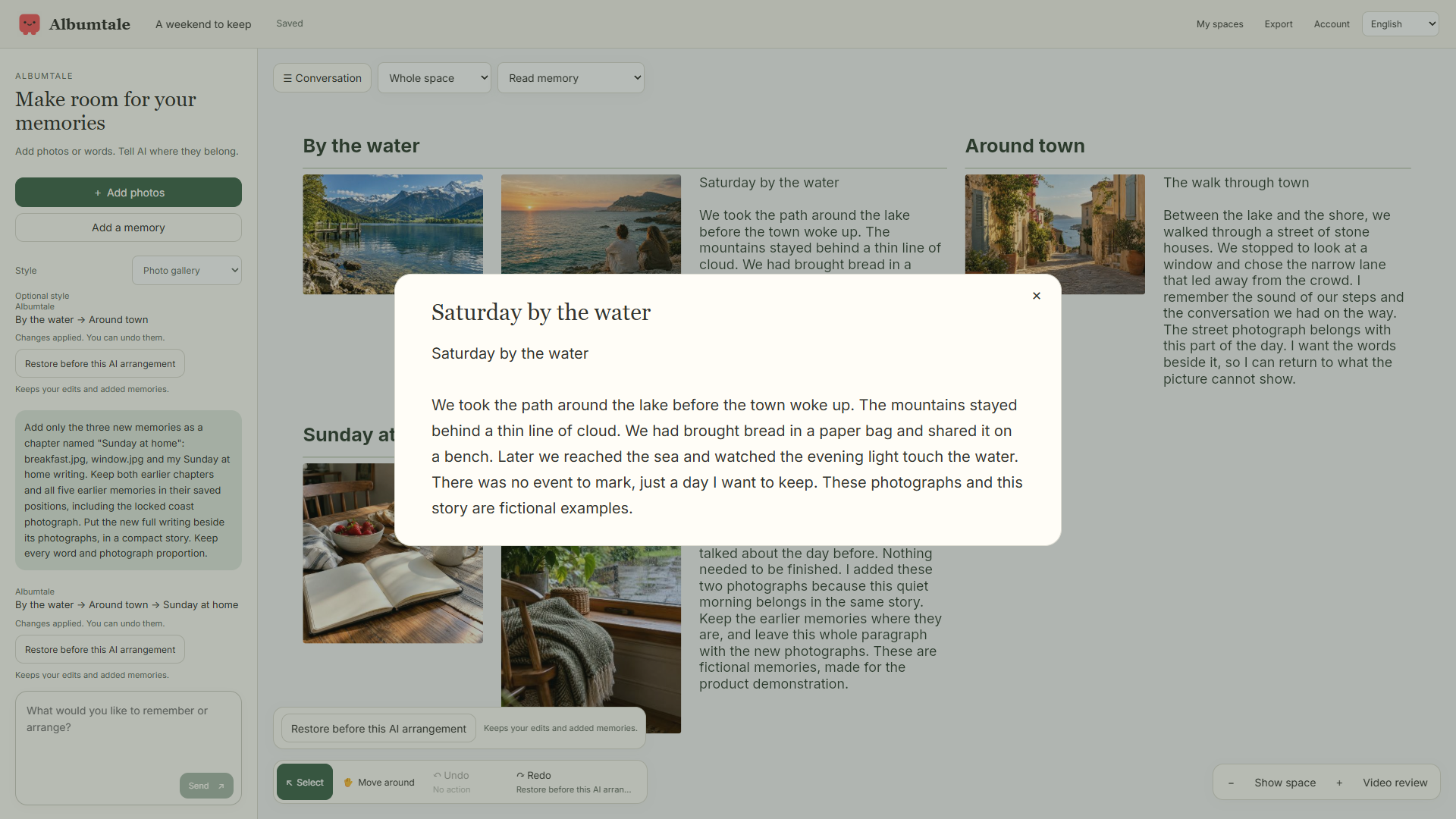
Public editor access and purchases are unavailable. Current new uploads use photos and text. Existing audio, video and saved recaps remain viewable. Browser recaps use photos and words, excluding imported audio and video clips; audio transcription and cloud rendering are unavailable. ZIP exports provide a read-only viewing snapshot. Extract the package and open index.html for access without a connection. Offline editing and AI are unavailable.
AI requests send selected material and context to DeepSeek. The public form accepts an email and feedback and has no private-media upload field; keep your personal journal and private photos out of it. Read the privacy notice, terms and launch pricing status, or join the launch list.